Is Markdown Reader really free?
Yes. The viewer — reading, the sidebar, Find, themes, printing, PDF export and copying — is free for personal and commercial use, with no time limit and no ads. Collaborating with AI agents, editing and the Pro exports are part of Markdown Pro.
What does Markdown Pro cost?
$29, once. It's not a subscription. One license key works on Mac, Windows and Linux, on up to 5 devices, and includes every 2.x update.
More about Markdown Pro.
How does the free trial work?
In the app, choose Upgrade to Markdown Pro… (app menu on the Mac, Help menu on Windows and Linux) and click Start 14-Day Free Trial. Every Pro feature unlocks right away, with no sign-up and no payment details. The trial starts when you click, not when you install. When it ends, the app goes back to the free viewer; your documents stay readable and untouched. A trial can't be restarted.
I used the editor in version 1.x. Where did it go?
From 2.0, editing is part of Markdown Pro. Your documents are unchanged and still open in the free viewer. Start the 14-day trial to keep editing while you decide.
How does updating work?
The app checks for a new version once a day and asks before installing anything. You can check yourself with Check for Updates…, or turn automatic checks off in Settings. On Windows, keep MarkdownReader.exe in a folder you can change (such as Documents) so it can update itself. On Linux, the app tells you about a new version and you install it with your package manager: download the new .deb on Ubuntu, or update with pacman or your AUR helper on Arch.
What happens to my documents? Do you collect any data?
Your documents never leave your computer, and neither does the record of who wrote what. There's no account, no analytics and no tracking. The app makes two kinds of request on its own: the update check, which sends the app version, the edition (free or Pro) and your operating system version — nothing that identifies you — and which you can turn off; and, only if you've entered a Markdown Pro license key, a license check with our store about once a day. Web links in a document open in your own browser. An AI agent you run in the terminal is a separate program with its own privacy policy; what you share with it is up to you and its maker's terms. Details:
Privacy policy.
How does collaborating with an AI agent work? Does Markdown Pro include an agent?
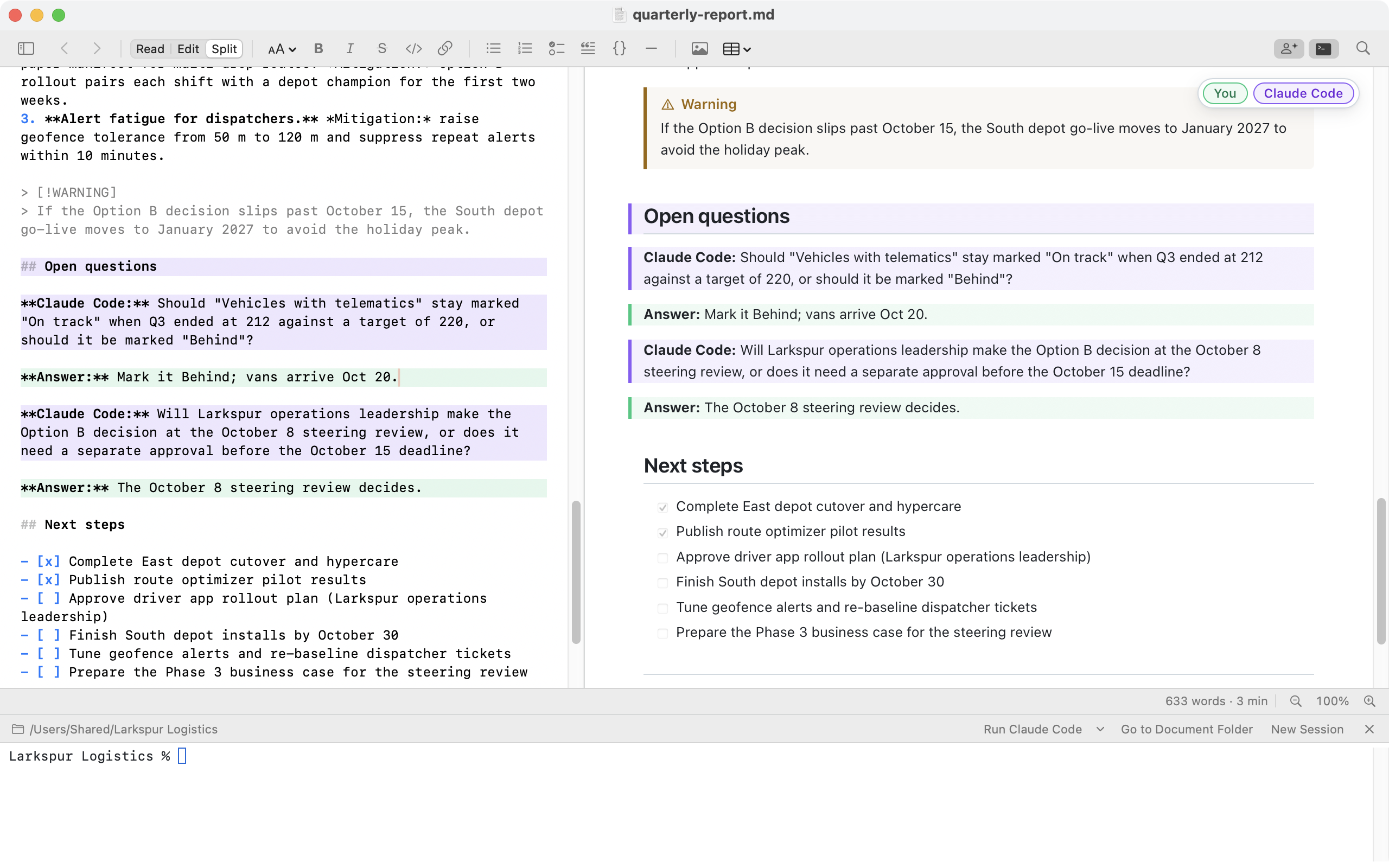
Each window has a terminal (your login shell on the Mac and Linux, PowerShell on Windows) that opens in your document's folder — open it with the Terminal button in the toolbar, View ▸ Show Terminal or Ctrl+` (⌃` on the Mac). Its Run button starts an AI coding agent you've installed — Claude Code, Codex CLI, Gemini CLI, GitHub Copilot CLI, Cursor CLI, Aider, OpenCode, Amp, Goose or Qwen Code — and remembers the one you used last; its menu links to install instructions for the others. You ask the agent for a draft or a change; each time it saves the file, the document reloads, formatted, and authorship marks what it wrote. Markdown Pro doesn't include any agent, isn't affiliated with their makers, and doesn't send them anything: each is a separate product that you install and sign in to yourself, under its own terms and privacy policy. If you have unsaved edits when the agent saves, the app asks before replacing them. Changes an agent makes aren't part of the app's Undo, so keep important documents under version control.
How does "who wrote what" work?
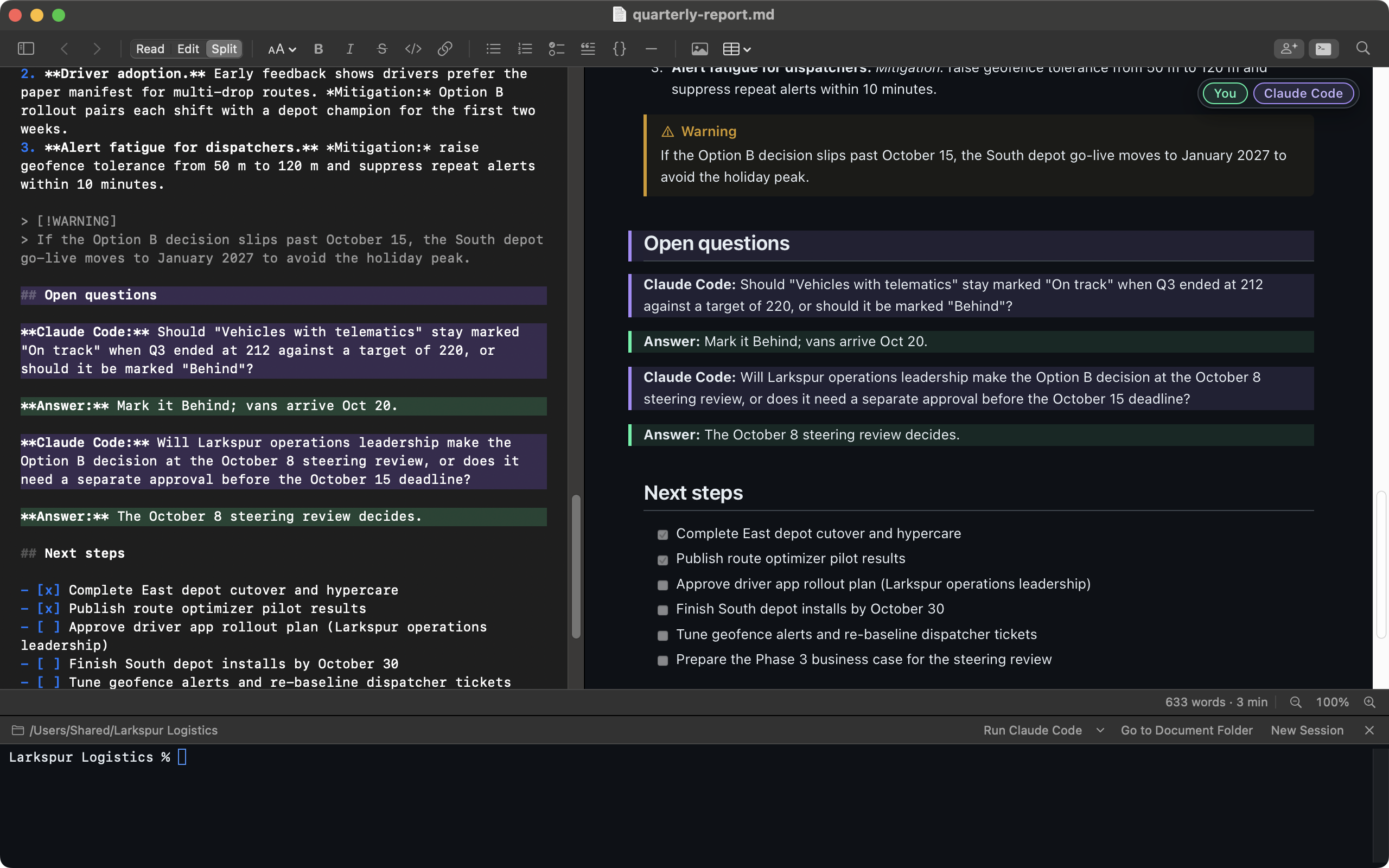
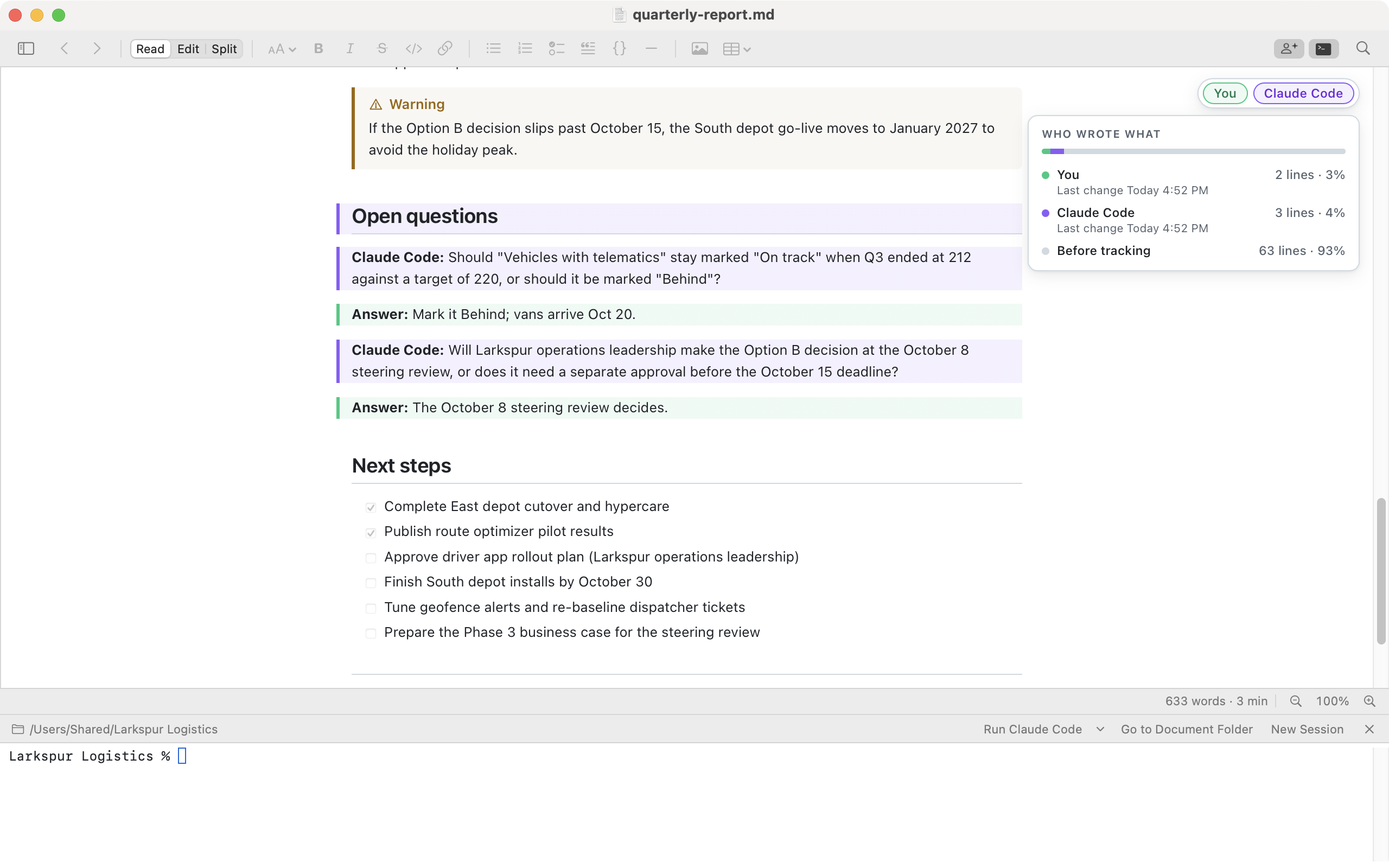
Markdown Pro records the author of each line. Lines you save from its editor are yours (mint green). Lines that change while an AI agent is running in the window's built-in terminal are that agent's (violet, under its name). Anything else — another app, an agent running in a different terminal, or a change made while the document wasn't open in Markdown Pro — is an outside edit (amber). Show or hide the colors with the Authorship button in the toolbar or View ▸ Show Authorship; hover over a paragraph to see who changed it and when, or click the legend for each author's share. A colleague who edits the document in Markdown Pro on their own computer appears under their name, in their own shade, when the history travels with the document (a shared folder or Git). Recording is on by default; turn it off in Settings, or clear a document's history from the View menu.
Where is the authorship history stored? Will it end up in Git?
In a hidden .markdown-reader folder next to the document — for report.md, the file .markdown-reader/report.md.authors.json. It holds a short fingerprint of each line (not the text), who last changed it and when, and the authors' names, including yours as your computer account shows it. Because it sits next to the document, it travels with the folder and works the same on Mac, Windows and Linux. Git commits it like any other file; add .markdown-reader/ to your .gitignore if you'd rather keep it out. It never appears in prints, PDFs or other exports.
What are the system requirements?
Mac: macOS 12 Monterey or later, on Apple silicon or Intel. Windows: Windows 10 or 11, 64-bit, with the Microsoft Edge WebView2 Runtime, which is included with Windows 11 and nearly all up-to-date Windows 10 PCs. The built-in terminal on Windows needs Windows 10 version 1809 or later. Linux: Ubuntu 24.04 or later on x86_64 or arm64, or Arch Linux (including Omarchy) on x86_64, with GTK 4, WebKitGTK 6 and GtkSourceView 5, which the package manager installs.
Do I need to install anything else?
No. On the Mac, drag the app into Applications. On Windows, unzip and run MarkdownReader.exe — there's no installer. On Ubuntu, run sudo apt install ./markdown-reader_2.0.4-1_amd64.deb; on Arch, sudo pacman -U markdown-reader-bin-2.0.4-1-x86_64.pkg.tar.zst.
Can it replace my text editor?
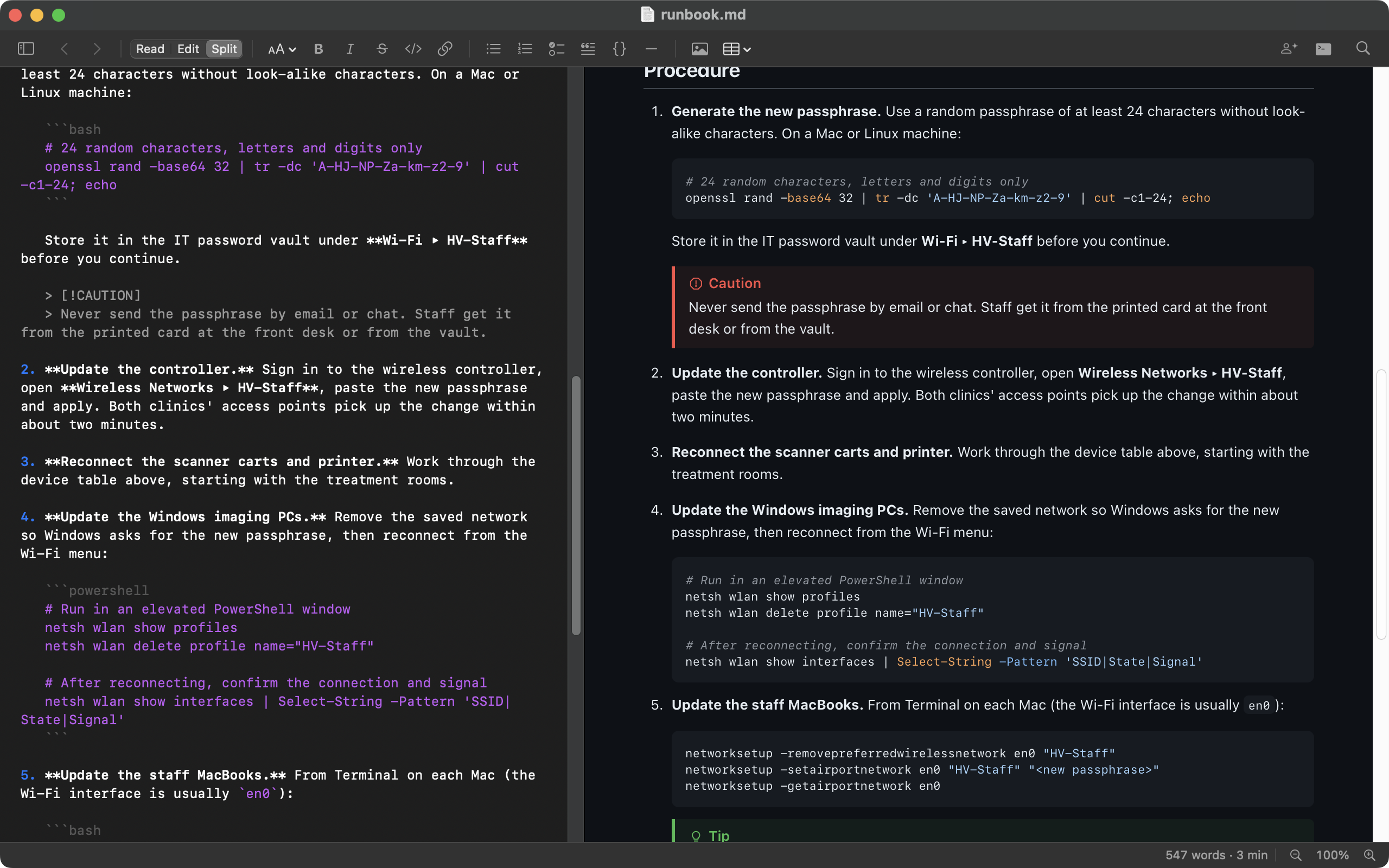
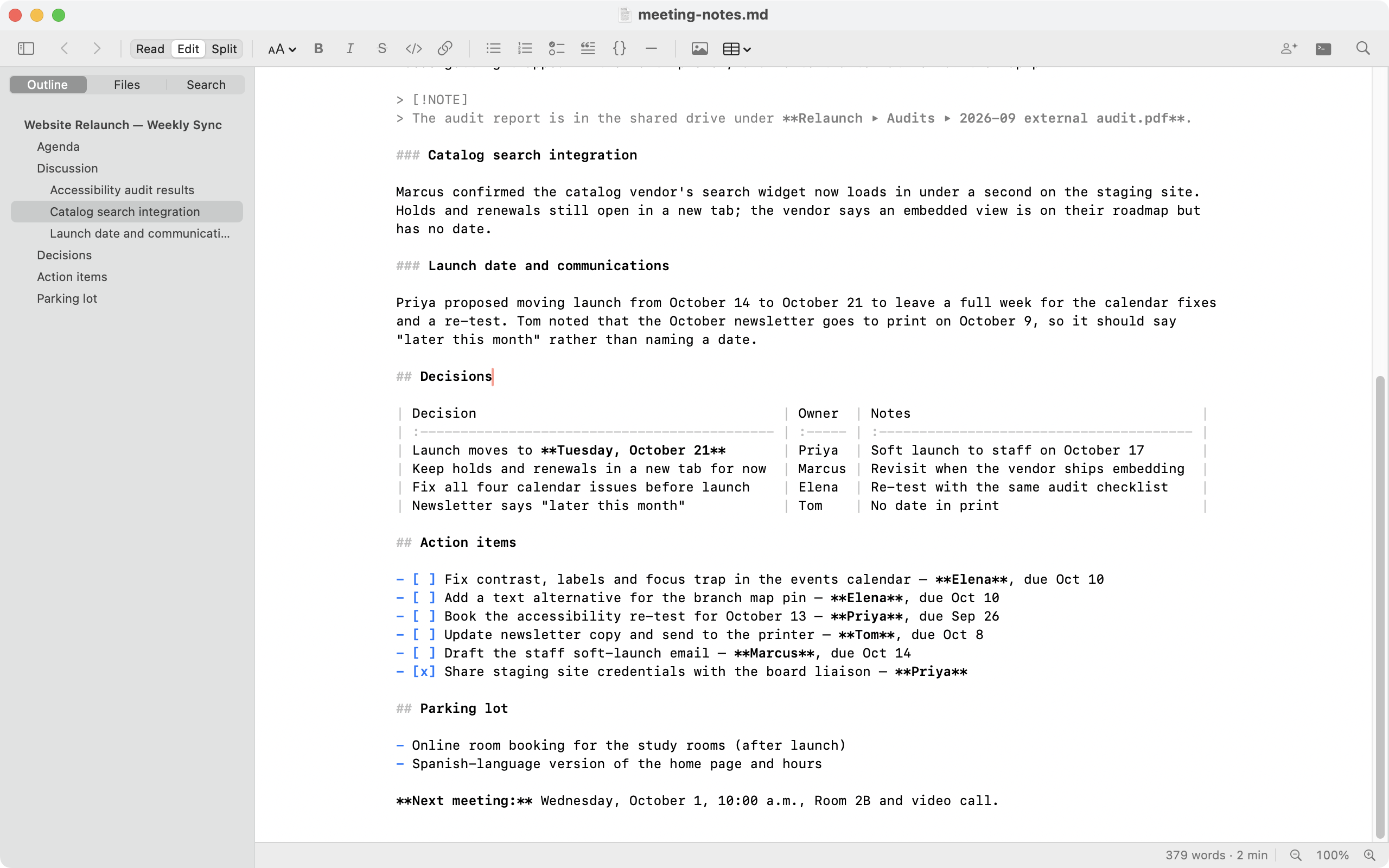
For documents, often yes: Markdown Pro has a full Markdown editor with a formatting toolbar, live preview, Find and Replace, and table tools. For code and large multi-file projects, keep your code editor and use Markdown Reader to read and share the results.
Does the Linux version have every feature?
Everything the Windows version has, including Markdown Pro, the terminal and authorship. Spell checking and Quick Look are Mac-only. Updates are installed by your package manager rather than by the app.
The document area is blank on Ubuntu 24.04. What do I do?
Ubuntu's AppArmor rules can stop WebKitGTK's sandbox from starting. See
Troubleshooting in the Linux README, installed with the app in
/usr/share/doc/markdown-reader, and let us know through the
contact page.
Which Markdown features are supported?
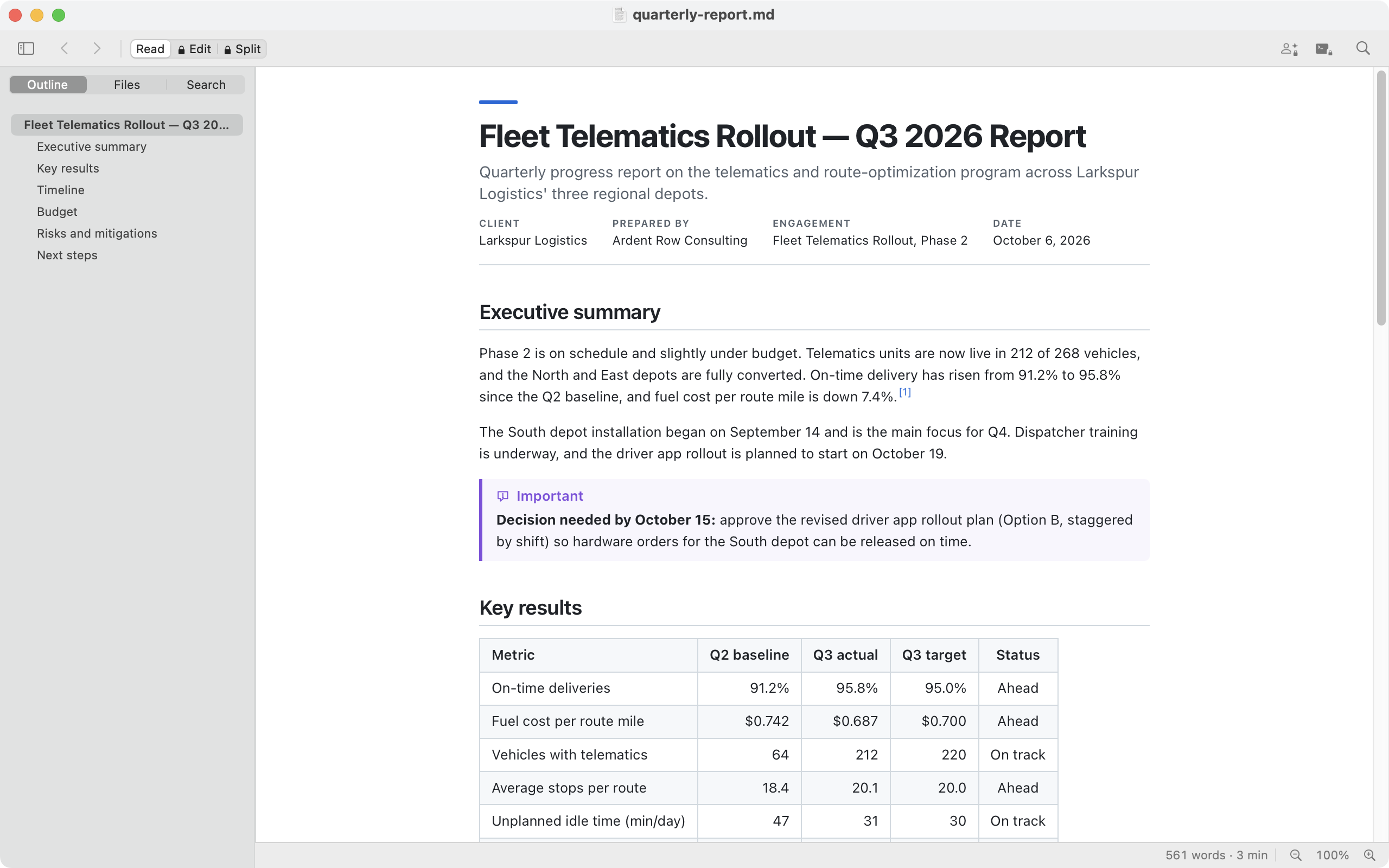
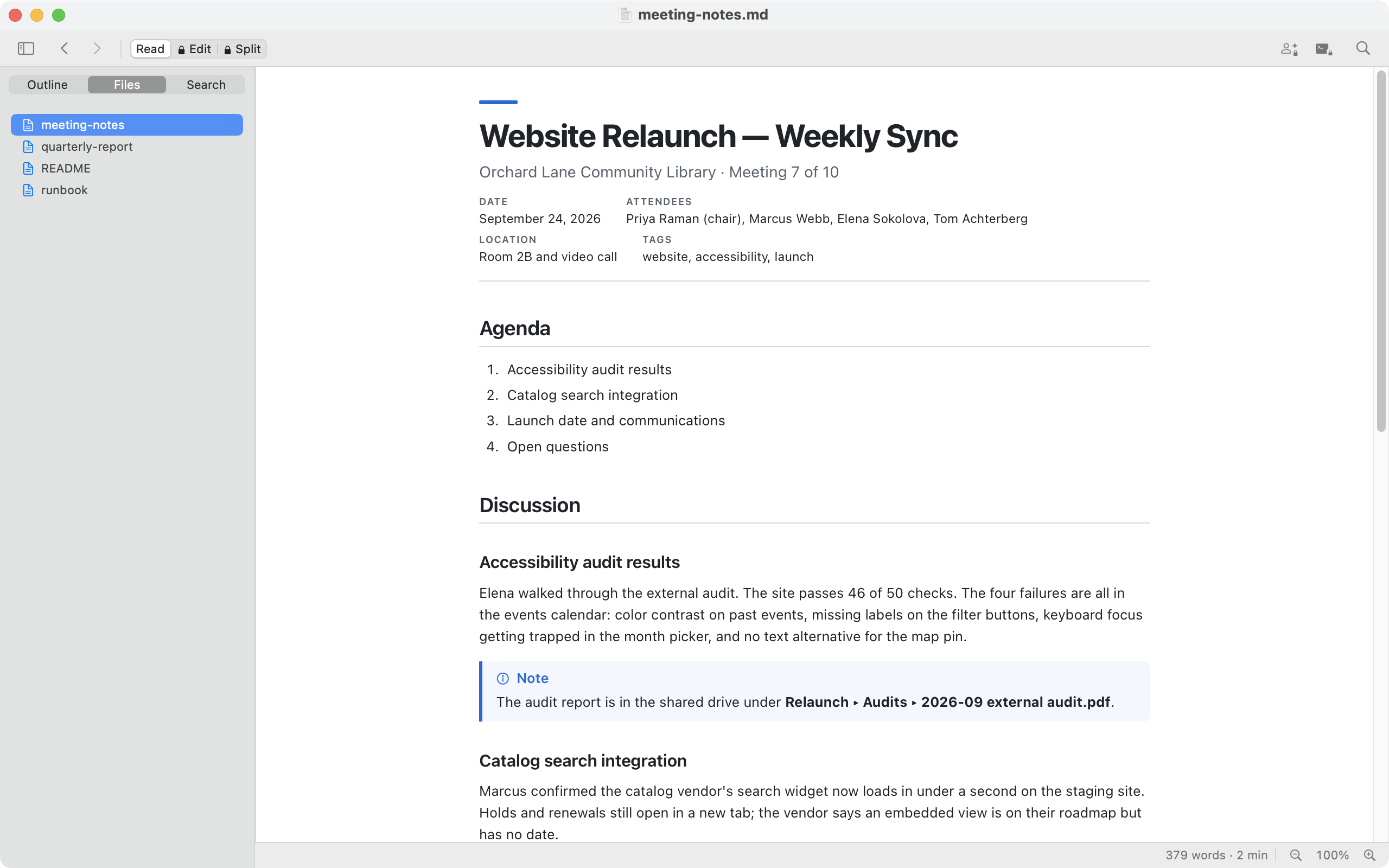
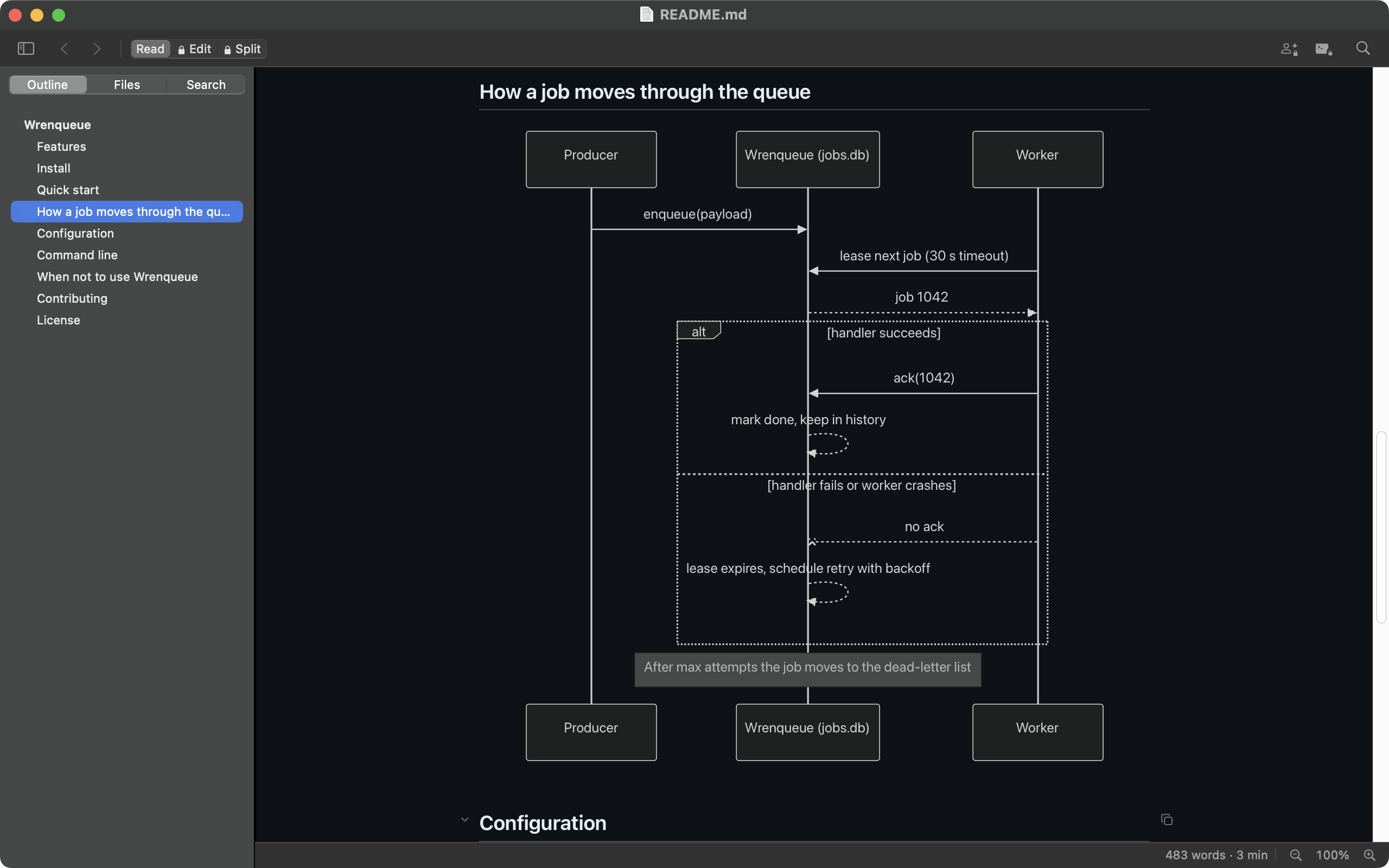
GitHub-flavored Markdown — tables, task lists, strikethrough and fenced code — plus callouts, footnotes, YAML front matter, syntax highlighting and Mermaid diagrams, in both editions.
Can I make Markdown Reader the default app for .md files?
Yes. On the Mac, use Finder's Get Info ▸ Open with ▸ Change All. On Windows, right-click a .md file and choose Open with ▸ Choose another app ▸ Markdown Reader ▸ Always. On Linux, run xdg-mime default com.sortedsol.MarkdownReader.desktop text/markdown.
 Sorted Solution